Available on the App Store

Every place you've
dreamed of,
in one place.

Wanderra is your personal travel bucket list. Collect destinations from across the world, organize them your way, and check them off one adventure at a time.

iPhone only · Requires iOS 26 or later
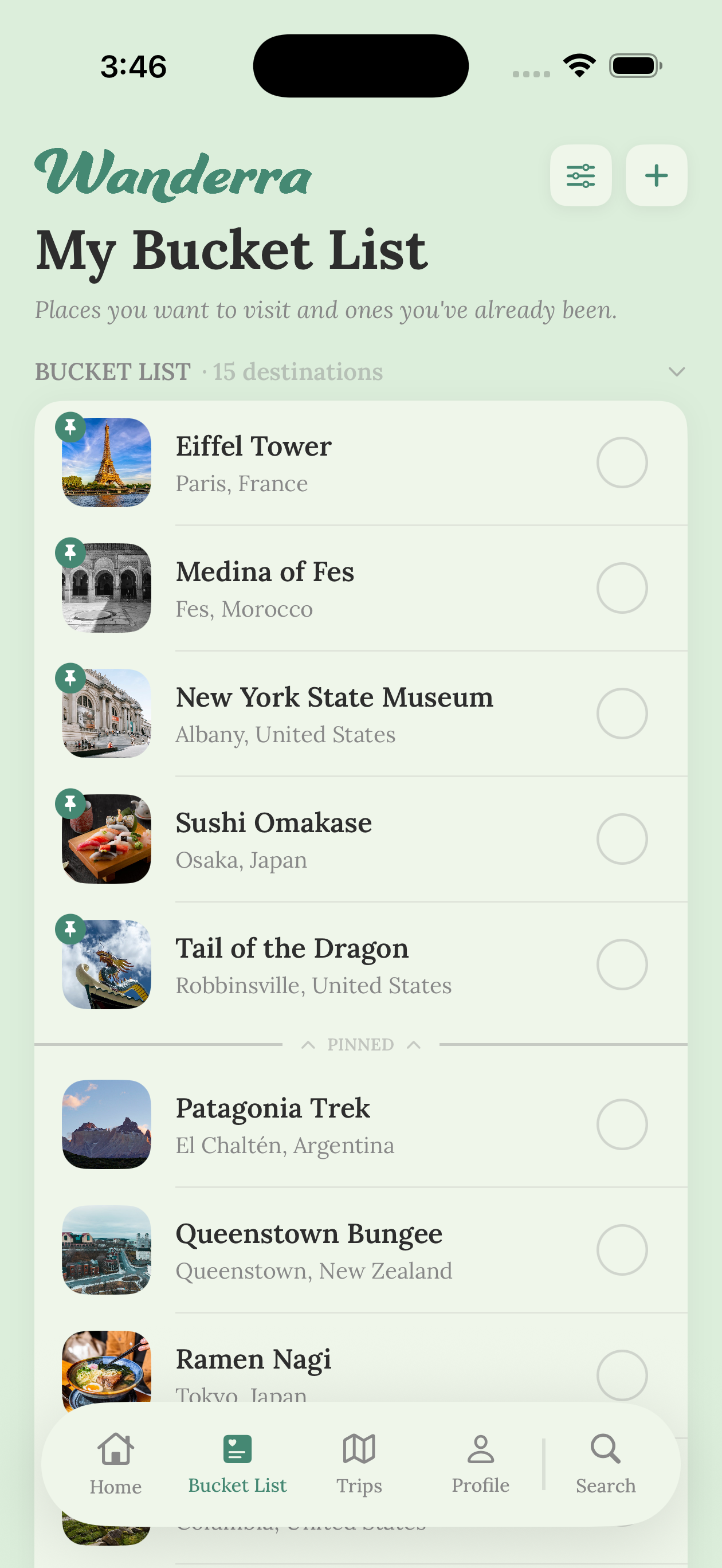
Wanderra bucket list
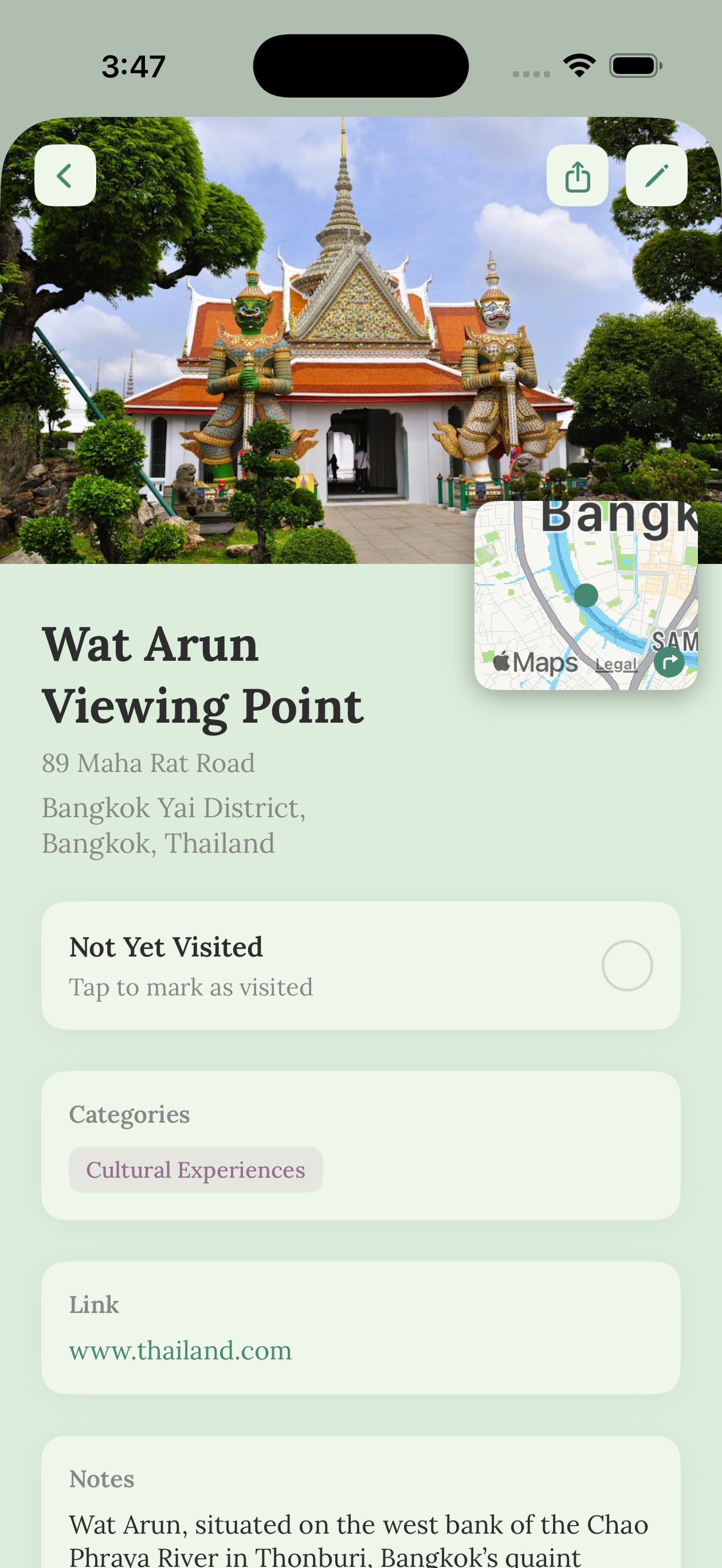
Wanderra destination detail
Tokyo· Patagonia· Santorini· Lisbon· Bali· Iceland· Machu Picchu· Morocco· New Zealand· Cape Town· Kyoto· Amalfi Coast· Maldives· Banff· Dubrovnik· Patagonia· Tokyo· Patagonia· Santorini· Lisbon· Bali· Iceland· Machu Picchu· Morocco· New Zealand· Cape Town· Kyoto· Amalfi Coast· Maldives· Banff· Dubrovnik· Patagonia·
0+
Countries to explore
Your destination limit
0
Ads. Ever.
iOS
Native. Fast. Beautiful.

What's inside

Built for the way travelers actually think.

Your bucket list, your rules. Simple enough for the casual dreamer, detailed enough for the obsessed wanderer.

Core Feature

Your travel bucket list, beautifully kept.

Add any destination on your mind: a city, a national park, a hidden coastal village. Sort by country, travel style, or your own categories. Filter between places you're still dreaming of and places you've already been.

Check Them Off

The best feeling in travel, marking a destination as visited. Track when you went and keep those memories alive.

Personal Travel Stats

See how many countries you've visited, your favorite travel regions, and how your list grows over time.

Clean & Private

No ads. No data selling. Your bucket list is yours alone, a private and beautiful place to store your dreams.

Native iOS Experience

Designed exclusively for iPhone. Fluid animations, native controls, and a feel that's right at home on iOS.

Trip Planning

Go further, together.

An optional layer for when your bucket list turns into an actual plan.

Optional Feature

Plan trips,
when you're ready.

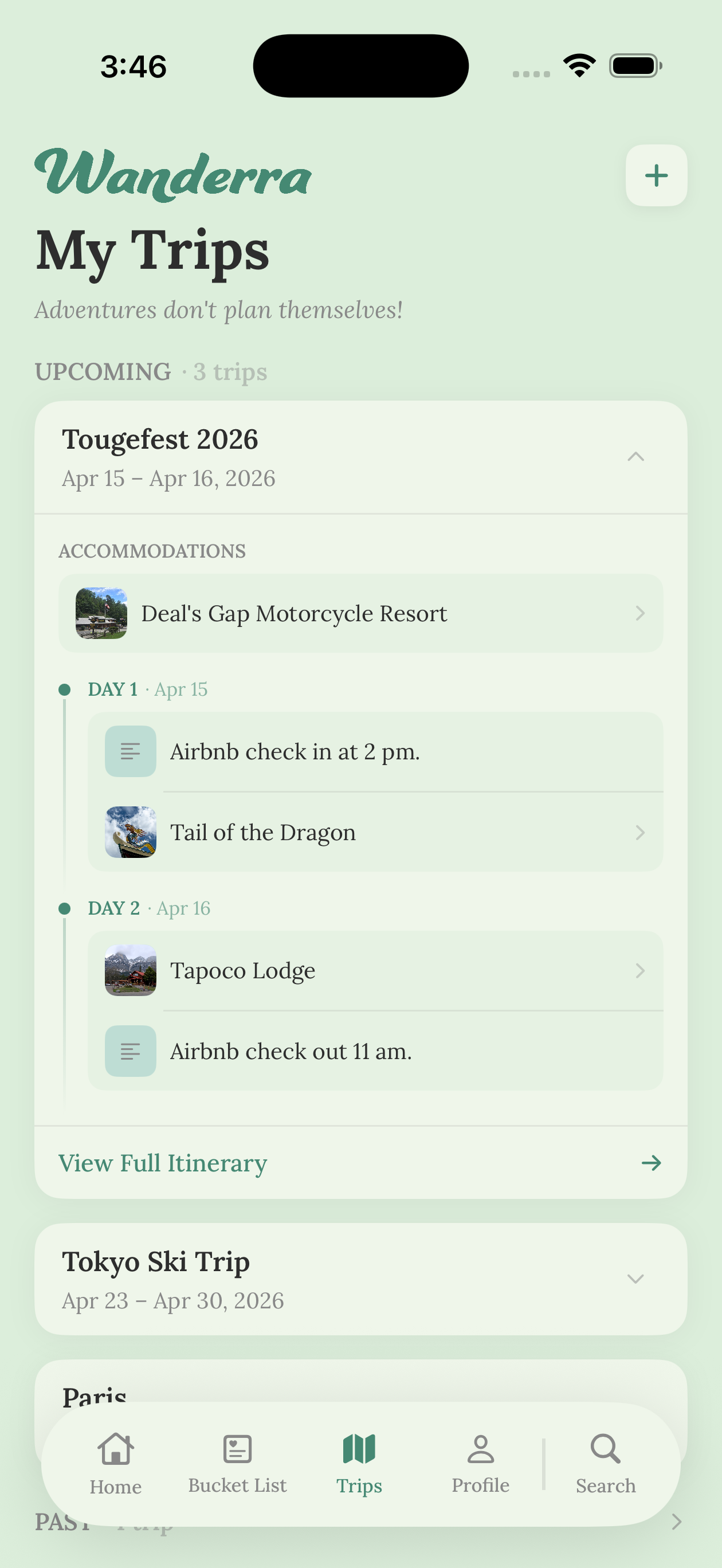
Turn on Trip Planning in Settings and a whole new layer opens up. Group your bucket list destinations into named trips, see everything organized by journey, then switch it off whenever you want your pure bucket list back.

  • Group destinations into named trips
  • Toggle on or off in Settings, no clutter when you don't need it
  • Your bucket list always stays intact underneath
Wanderra trip planning settings

How it works

From dream to done in three steps.

No complicated setup. Just open the app and start building your list.

1

Save destinations as you discover them

See something on social media, a travel blog, or a friend's story? Add it instantly before it disappears from your feed and your memory.

2

Organize your list, your way

Sort by country, travel style, or priority. Keep your wishlist, your plans, and your visited places neatly separated and always within reach.

3

Check it off, and relive it

Land somewhere new and mark it visited. Watch your travel story come to life, destination by destination.

Simple pricing

Start free, upgrade when ready.

No ads. Cancel any time from your Apple account.

Free

$0

Forever

  • Unlimited bucket list destinations
  • Data stored in iCloud or locally
  • Track visited places
  • Native iPhone experience
Download Free

FAQ

Good questions, honest answers.

Is my data really private?

Yes, completely. Wanderra doesn't run ads, doesn't sell your data, and doesn't track you across apps. Your data is saved securely on Wanderra servers and belongs to you alone.

What iOS version do I need?

Wanderra requires iOS 26 or later and is available exclusively on iPhone. We built native so it feels exactly right on your device.

What's included in the free plan?

Unlimited destinations on your bucket list, while your data stores on your iCloud or locally if no iCloud present. No credit card required.

What does the Wanderer tier unlock?

Wanderer unlocks trips and recommendations, plus all your data stored on our Wanderra's server securely.

Is the Trip Planning feature always on?

Not at all, it's completely optional. You can toggle it on or off in Settings at any time. When it's off, you get a clean, focused bucket list view. Your data is never affected by toggling it.